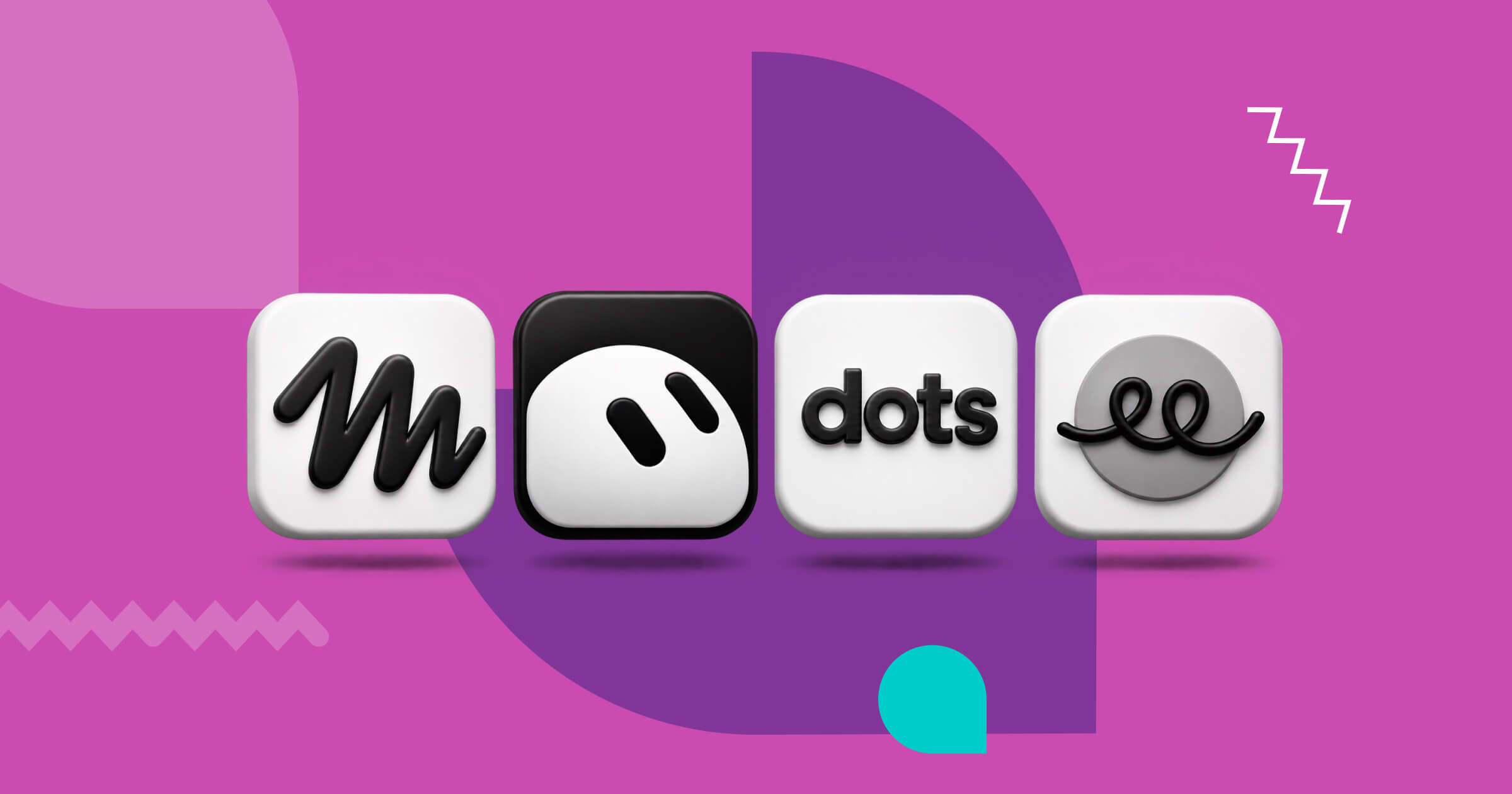
Meta Muse, Grok Bot, Claude Duet, OpenAI dots. Proactive AI agents are all the rage right now. A proactive AI agent is software that starts work on a schedule or an event, keeps context between runs, and comes to you with what needs attention, so nobody has to write a prompt. The tech and operations leaders we talk to want to know whether that deserves attention this quarter.
To figure that out, we have been getting our hands dirty with the tools and building proactive agents for clients on their own systems. Some of the products matter for your company today. Some can wait. For the work that lives in your ERP, you should still create your own. The hard job is rolling AI out across a company and raising adoption, which is different from trying a new app on your own phone.
In the rollouts we see, adoption stalls on prompting. A handful of people get good at it and everyone else opens the tool twice. A proactive agent takes the prompt away, so the knowledge that lives in two or three senior people's heads reaches every employee at the moment they make a decision.
Each of these agents asks a person before it takes an action that matters. A regulated business also needs its own audit trail and access controls, which is where a build comes in.
In short
A proactive AI agent runs without being prompted. It wakes on a timer or an event, reads what changed, does the work it has permission to do, and sends a person the result or a request for approval. Anthropic's engineering guide describes these agents as "stateful and proactive", which means they carry context across sessions and act without direct supervision. Most of the time the agent is asleep, and it wakes periodically to do work.
We have been calling this shift since 2024. The difference between a proactive AI agent and a chatbot shows up in five places.
| Chatbot or reactive assistant | Proactive agent | |
|---|---|---|
| What starts the work | A person types a prompt | A schedule or an event, such as a new email or a status change |
| Memory | The current conversation | Stored context that carries from one run to the next |
| Where it runs | In the app while you use it | On its own computer in the cloud, including after you close the app |
| How results reach you | An answer in the chat | A brief, a notification or an approval request |
| Who decides what needs attention | You | The agent, within rules you set |
Our earlier post on ChatGPT agent mode covers the step before this one, where an agent completes a multi-step task after you ask. A proactive agent adds the part where nobody has to ask.
Grok Bot, Meta Muse, OpenAI dots and Claude Duet are the four proactive AI agent examples that define the category as of November 2026, and all four arrived since August. Muse and Duet are personal AI agents, and Grok Bot and dots also sell to teams. They share a design. The agent gets its own computer or workspace in the cloud, keeps memory between sessions, and checks with a person before sensitive actions.
| Product | Launched | Built for | How it is proactive | Business plans |
|---|---|---|---|---|
| Grok Bot | Version 1.0 on November 11, 2026, after a beta | Individuals and teams | Bots recognize work that needs to be done and offer to take it on | Team Bots on Team and Enterprise plans, working in Slack and Microsoft Teams |
| Meta Muse | September 8, 2026 | Individuals. Meta says anyone can use it with no technical experience | Makes suggestions unprompted and returns when something changes or needs approval | None mentioned in Meta's announcement |
| OpenAI dots | September 29, 2026 | ChatGPT users on Pro and Business Premium in eligible markets | Looks for ways to help in the background, which OpenAI calls proactive research, using read-only access to connected apps | Enterprise users can try the beta when a workspace admin enables it |
| Claude Duet | October 21, 2026 (research preview) | Professionals and small business owners | Sends a morning brief, checks connected accounts every few hours, and messages you when something needs attention | Not on Team or Enterprise plans yet |
The approval rules look alike across the four. Duet shows what it is about to do and waits before it sends a message, makes a payment, signs a document or deletes anything. Muse checks with the person before sensitive actions such as sending an email or making a purchase. Dots ship with built-in rules for when to act and when to ask, and users can add their own. Grok Bot's makers say Bots respect each person's permissions and ask before sensitive actions.
Our rule with any hyped launch is to wait a month or two and see whether people are still talking about it. Dots have been out for two months, and OpenAI added a second model to them in November. Muse has been out longer. Anthropic has launched Duet since, and xAI has taken Grok Bot from beta to version 1.0.
Among AI agents for business, Grok Bot and OpenAI dots have plans a team can pilot today, and Claude Duet and Meta Muse are personal tools you should set policy for. That is our read for a leader whose job is adoption across a company, and it will change as the vendors ship.
| Product | Our read for IT and operations leaders | What to do now |
|---|---|---|
| Grok Bot | The closest to a company product today. Team Bots run on Team and Enterprise plans and work inside Slack and Microsoft Teams, where your people already are | Pilot it with one team and one recurring job |
| OpenAI dots | Available on Business Premium and in beta on Enterprise. The version where your company sets up each dot with its own identity and access is still in enterprise pilots | Try it where you already have ChatGPT seats, and write the approval rules before anyone connects a work app |
| Claude Duet | A personal tool for now, with no Team or Enterprise access. If your company runs on Claude, this is the one to watch | Wait for the business plans, and decide your policy on personal use in the meantime |
| Meta Muse | A consumer product | Treat it as a policy question about work accounts on personal agents |
What separates the products is whose context they start with. Duet carries over the memory, skills and connected apps from a Claude account. Dots can connect to more than 4,000 apps through OpenAI's plugins. Grok Bot learns from everyone on the team who works with it.
"Whoever already owns your context wins the agent era."
Andrew Amann, CEO, NineTwoThree
For a company, that context is the order history, the ticket queue and the documents your teams work from every day. You already own it, and an agent can be built on top of it.
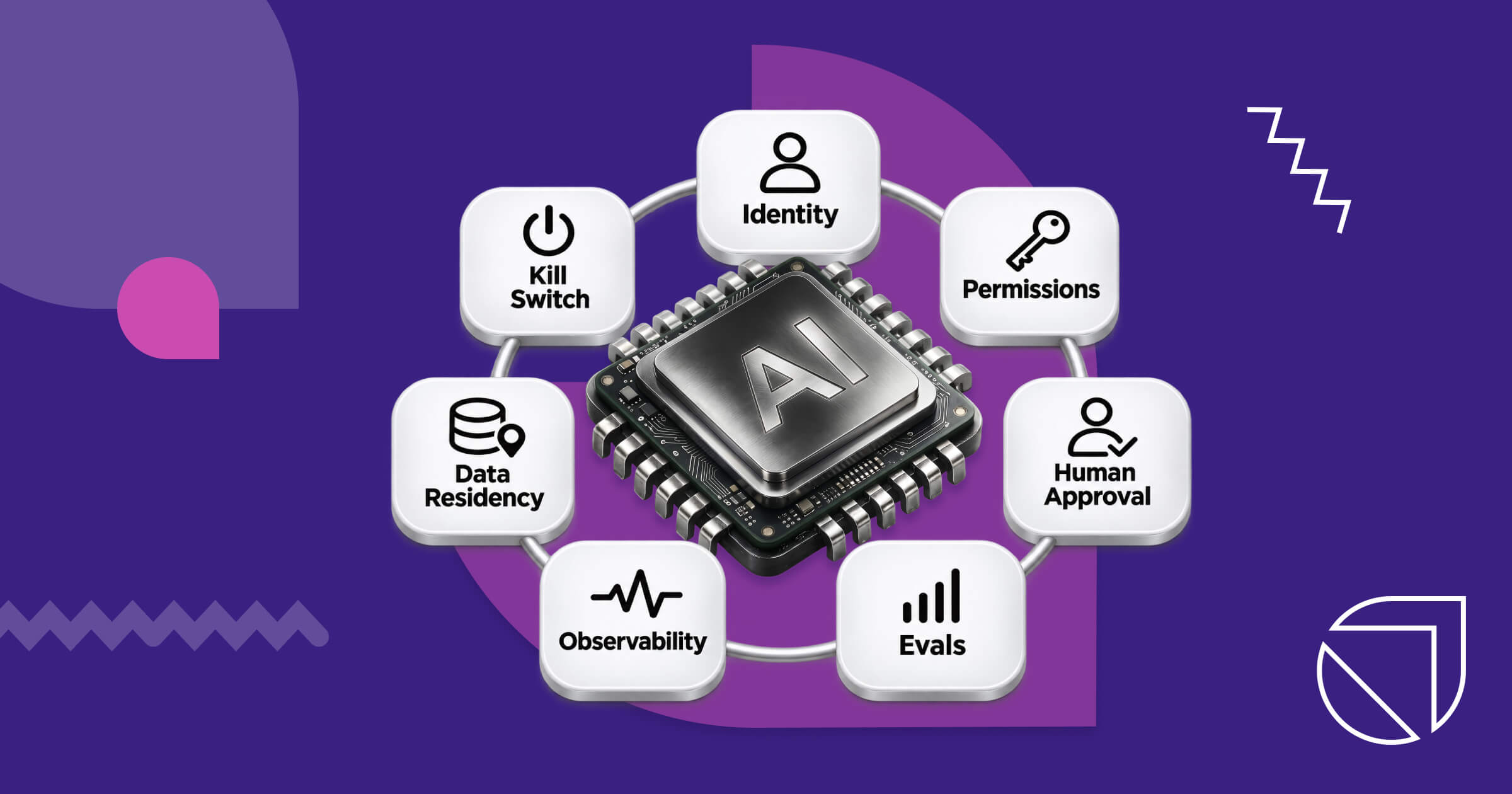
Five parts sit around the model and make an agent proactive. Anthropic's guide to building always-on agents names them as an event inbox, timers, memory, permissions and an outbox. The model in the middle runs the same loop as any other agent, which is why you can create one yourself.
| Part | What it does | Where you can see it in the products |
|---|---|---|
| Event inbox | Holds incoming events from webhooks, scheduled tasks and background jobs until the agent processes them | OpenAI describes dots starting to investigate when a bug appears in Slack |
| Timers | Store recurring schedules and the follow-ups an agent sets for itself | Duet's morning brief and its checks every few hours |
| Memory | Keeps files the agent loads at the start of each run and updates as it works | Duet carrying over memory and skills from a Claude account |
| Permissions | Decide for each action whether the agent proceeds, is blocked or waits for a person | Duet waiting for approval before it sends, pays, signs or deletes |
| Outbox | Delivers the agent's messages to the user | Muse returning when something changes or needs approval |
The hard part is the sixth thing, which is judgment about what deserves an interruption. Anthropic's guide recommends that an agent "start quiet and then earn more of the user's attention over time". Its Duet announcement says the product might misread a thread or misjudge what is urgent, and its security write-up calls approval fatigue a serious issue. We agree with all three. An agent that asks about everything gets ignored, and an agent that asks about nothing gets switched off after its first mistake. Our post on how decision models make AI agents safer goes deeper on the layer that sits between a proposed action and its execution.
Planning your first agent? Our AI Implementation Guide includes a company AI readiness assessment and a three-step roadmap you can use before you scope a build.
Grok Bot, Duet, Muse and dots all work from the apps your people connect to them, and that sets the limit for enterprise AI agents bought off the shelf. If you run IT or operations, these are the limits you will meet first.
One decision belongs on your list this quarter. The personal agents work in whatever apps a person chooses to connect, and nothing in the announcements stops that person from connecting a work inbox to a personal plan. Check what your email and calendar admin settings allow for third-party connections, and write the policy before the first employee asks.
Our own recent deployments look different from all four products. They are nudges inside the system where the work happens. One runs on an active supply chain with millions of shipments a month. It watches the planner typing into the MRP and puts the history of similar decisions in front of them before they commit. We used the same logic to help a trucking company reduce wasted shipments. The information is at the fingertips of the person making the call, and no prompt is needed.
"Once you use this system, it's impossible to chat with agents."
Andrew Amann, CEO, NineTwoThree
The pattern also works without a chat window at all. Working with the team at Amerit Fleet, we built a model that scores repair orders and flags the high-risk ones for review, with a reasoning system that tells each mechanic why a record was flagged and what to correct. The mechanics do not have to go looking for errors. Average error detection time fell by 90%, and 30% of work orders are now classified without manual review.
To build a proactive AI agent, start with a workflow and end with a number. The model is the easiest part to choose and the easiest to change later. You do not have to replace a single system to do it, because the agent works inside the ones you already run.
We run our own marketing operations this way. A project manager agent posts a brief every morning at 9am and a standup at 5pm on weekdays, and creates the task list for a piece of content when its status changes in our content calendar. Our writing agents leave drafts in review, and a person approves them before anything is published.
Buy when the work lives in inboxes, calendars and chat, and build when it lives in the systems your company runs on.
| Your situation | Better fit | Why |
|---|---|---|
| An executive wants a daily brief across email and calendar | Buy, once the vendor offers a business plan or your policy allows it | The personal products are designed for this, but connecting a work inbox to a personal plan is a policy decision |
| A team that lives in Slack or Microsoft Teams wants help with follow-ups | Buy | The team products already work in those channels and there is nothing to maintain |
| The trigger lives in an ERP, an MRP, a ticketing system or a custom database | Build | The agent needs a connection to that system and its own account |
| The work touches regulated data or needs an audit trail you control | Build | You set the permissions, the logging and where the data stays |
| The result has to show up in a company metric | Build | You define the baseline and what the agent is measured against |
We call the build side of that table Owned Intelligence, which means you own the AI layer and rent the model. Your company owns the prompts, the tools, the memory, the guardrails and the evaluation logic, and the model underneath can be swapped. A bought agent keeps what it learns about your business in the vendor's account, and its per-seat cost grows with every hire.
Our guide to build vs buy for AI agents has a cost comparison and a five-question framework for the cases in between. If you are comparing partners for a build, our ranking of the top AI agent development companies explains how we scored each one.
Leaders planning a first proactive agent tend to ask about fit, safety and timing before anything else.
A reactive agent starts when a person prompts it and stops when the task is done. A proactive agent starts on a schedule or an event, keeps memory between runs, and decides when to tell a person something.
Grok Bot and OpenAI dots are the furthest along for teams, because both have business plans today. Neither replaces an agent built on your own ERP or MRP, which is where most operational decisions get made.
Your company cannot get Duet on a company plan today. It is a research preview for US users on Pro, Max and Ultra plans, and Anthropic says it isn't available on Team or Enterprise plans yet.
They are as safe as their permission rules and their review steps. The products ask before sensitive actions, and their makers say the safeguards can make mistakes. In a company build, you decide which actions need approval and you keep the log.
Our agent projects run about 12 weeks from discovery to a production-ready agent. A narrow first workflow with drafts-only output is the fastest route to something a team will use.
A proactive agent earns its place by taking one recurring job off a team's plate and proving it with a number. Pick the workflow, record the baseline, and decide what the agent may do without asking.
If you have a workflow in mind, talk to our team about a Rapid Validation Sprint, the first step in our AI agent development work. We work through the trigger, the access and the approval rules with the people who do the work today. You leave with a Phase-1 roadmap, an ROI model that prices the build and a working prototype running on your own data.