A floor command center built on your SyteLine jobs and operations, flagged by your own definition of late. Agents draft the fix and write it to SyteLine when your scheduler approves.
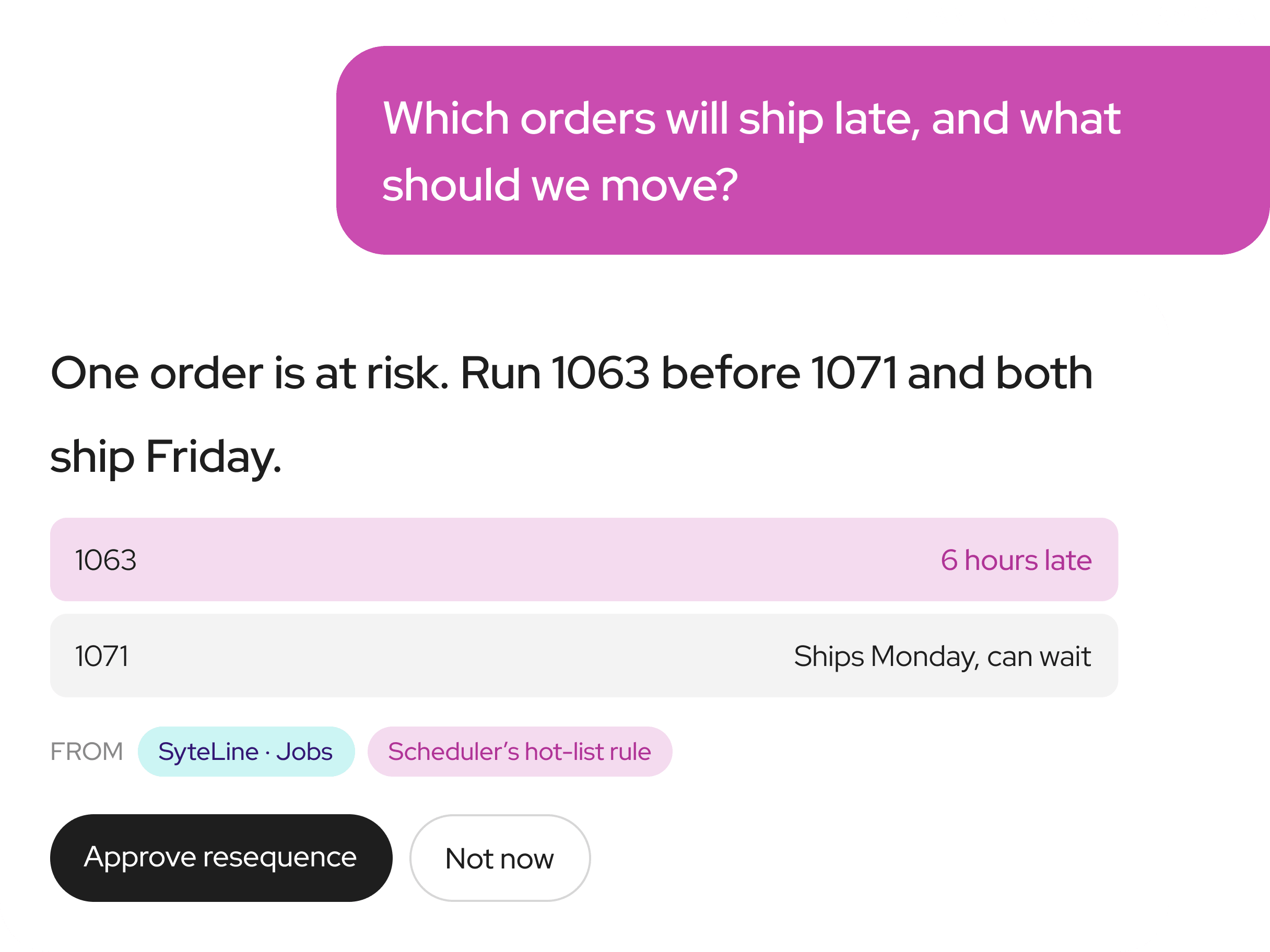
Many shops answer these by walking the floor and exporting reports. The command center answers them from SyteLine and your Shop Map before anyone gets coffee.

Jobs ranked by risk against their ship date, using your scheduler’s hot-list rules, plus the resequence that recovers the most hours.
Queue hours by work center from open operations, with the jobs waiting behind each one and what is holding them.

Proposes the resequence that saves a ship date and writes it to SyteLine after the scheduler approves.

Holds a traveler when the released job doesn’t match the current engineering revision.

Flags the late POs that put a job at risk and drafts the note for a buyer to send.
If you already collect labor, document or machine data, it feeds the command center. We add what’s specific to your shop and the agents that act on it.
Your view colors jobs the way your floor decides what’s late, because the rules come from the people who run it.
Your scheduler, supervisors and controller show us the hot list, the real standards and the exceptions. That becomes your Shop Map.

We test each rule against your closed jobs in SyteLine before it drives a single color on the screen.
A working pilot on your own data by week 8, then views and agents in production with approvals and an audit log.
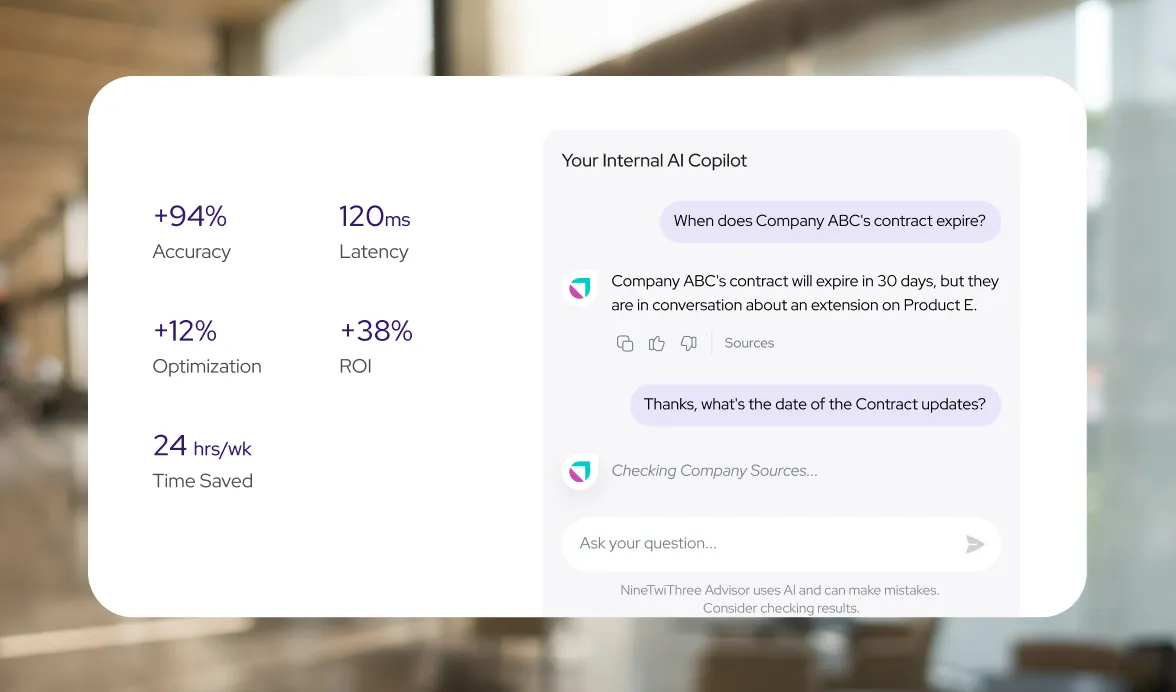
Worksheets for the sessions where your schedulers, estimators, quality leads and controller show where every answer lives.

Who sits in, 60 to 90 minutes per role, the ground rules for each session and a four-week plan that covers every role.
Six questions each for the scheduler, supervisor, estimator, purchasing, quality lead and controller.
Turn each answer into an entry: where it lives, the rule behind it and the records that prove it.
Typical forms and IDOs for each question, and where the answer often lives outside SyteLine.
No. You keep Infor and use Infor’s AI for the standard work. We build what only your shop knows, on the SyteLine you run.
On-prem, single-tenant and CloudSuite.
Yes. Code, prompts and the Shop Map sit in your repository. Switch vendors and keep everything.
Your data and logs stay inside the boundary you choose: on-prem, your own cloud account, or a dedicated environment. People sign in with your SSO and see only what their SyteLine role allows. Every read and write goes through a governed gateway, agents start read-only, and every action is logged. The infrastructure is SOC 2 Type II compliant, and models run under terms that exclude training on your data.
We change nothing inside the SyteLine core, so there’s nothing to re-apply after an upgrade. Cloud SyteLine updates monthly, and we test the layer’s connections against each release in your test environment before it reaches you.
Code, prompts and the Shop Map sit in your repo.
60 days of Align and Validate at a fixed price.
Your senior people’s rules stay in the company.
Each person sees only what their SyteLine role allows.
A governed gateway is the only path to SyteLine.
Switch vendors and keep everything.
Tell us which report, schedule or margin question still lives in a spreadsheet. In a 45-minute Shop Walk we’ll trace it across SyteLine and your files, and show you what an owned layer would answer.
Meet with founders Andrew Amann & Pavel Kirillov

Custom AI implementation roadmap
No sales pressure


